fxcss watch
fxcss 0.22.1Source documentation
bash
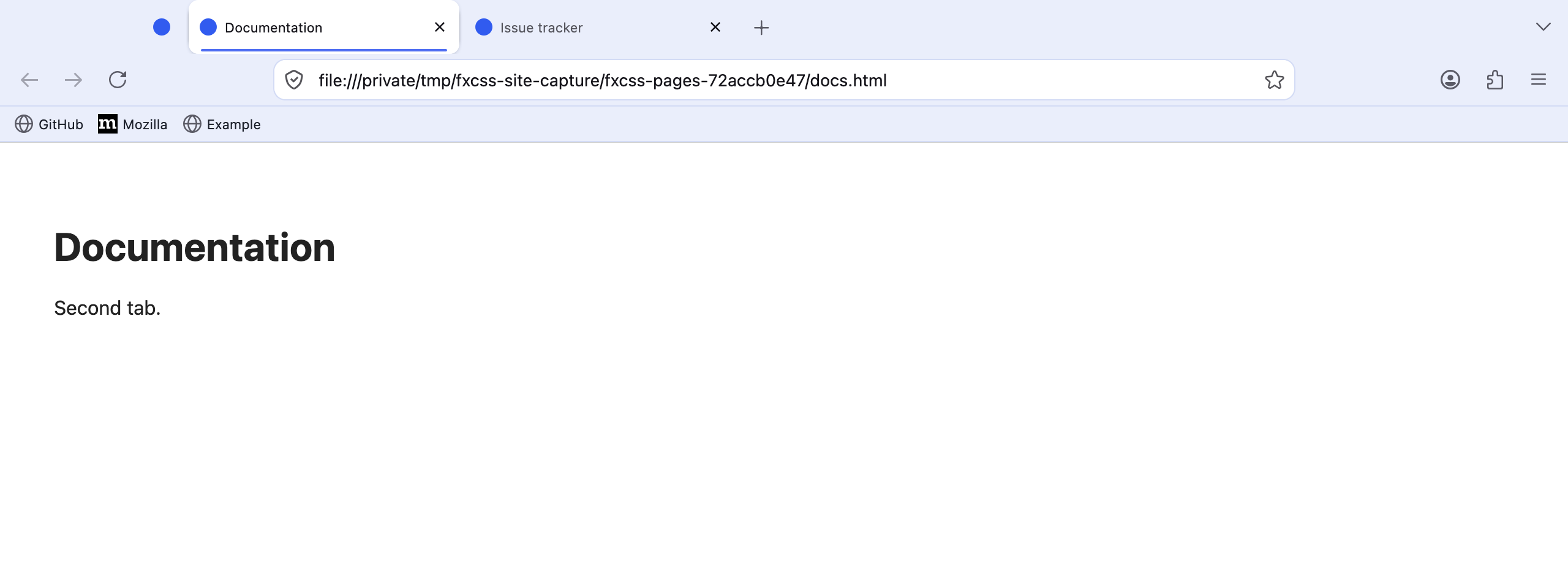
fxcss watchOpens Firefox with your theme applied and watches chrome/ and custom/. Save
a CSS file in your editor and the running window reloads it automatically.
The window is yours to drive — open menus, resize it, type in the address bar, right-click things. Nothing is scripted.
Reloads reach every chrome document, not just the browser window: new windows,
and separate documents like the window-modal dialog (the quit prompt), pick up
your edits too — the same reach an installed userChrome.css has.
See light and dark captures of the starter theme.
| flag | effect |
|---|---|
--dark |
start in dark mode, for testing prefers-color-scheme rules |
--native-menus=false |
make right-click menus themeable (see Context menus) |
--shot out.png |
write a screenshot after every reload |
--no-devtools |
don't enable the Browser Toolbox |
Bundled starter · Firefox 155.0.1